
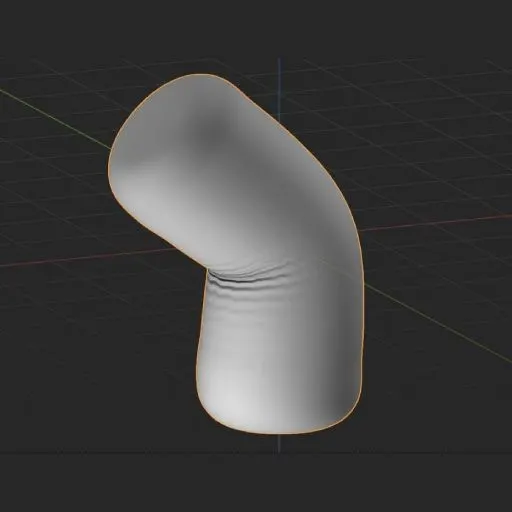
Tension Map by “ScottishCyclops”
- Categories
- Tension Maps
- Listed
- · updated
Tension Map by “ScottishCyclops” is a free Blender addon for Tension Map generation.
It is very similar to the “Blender Mesh Tension Add-On” addon. In fact, I believe they are both separate forks of an older addon.
While this addon is the older of the two, I found it slightly simpler to use… although I’d actually recommend using neither of the two. The Geometry Nodes-based solutions in this category are more modern and most likely more performant.
QuickStart Guide
Select the object that you want to create tension maps for, go to Properties > Data tab and enable Tension Map Script. Tick Enable Vertex Groups and Enable Vertex Colors
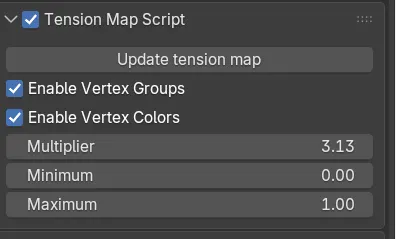
This will automatically create two Vertex Groups (”tm_squeeze” and “tm_stretch”), and one Color Attribute (”tm_tension”) for your object. Do not rename or delete these groups.
The Vertex Groups can be used directly in Modifiers such as Displace to control either the stretching or the compression of the object.
The Color Attribute can be used in Shaders. Create a Color Attribute node and choose the “tm_tension”. Plug that node into a Separate Color node.
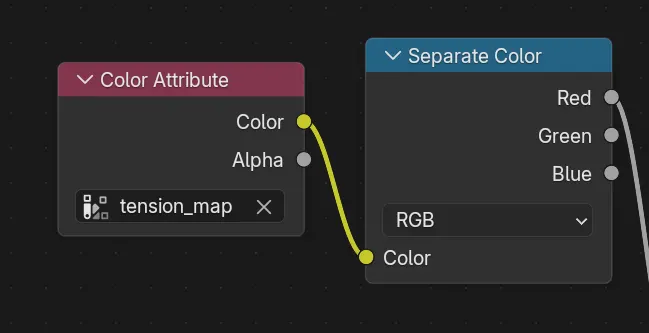
With this setup, the Green channel allows you to affect areas of compression and the Red, areas of stretching.
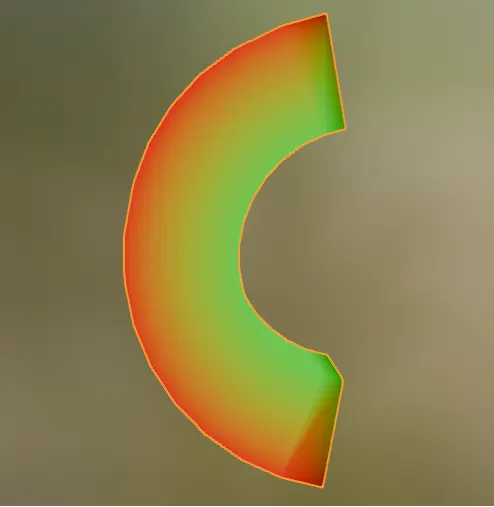
The Tension map Settings are fairly intuitive. The best way to get a feel for them is to plug the Color Attribute (”tm_tension”) directly into the color of the material, deform your object with an armature or a modifier such as Simple Deform, and then play with the settings.
More tools in Tension Maps
-
 Tension Map by CGVirus
github.com
free
-
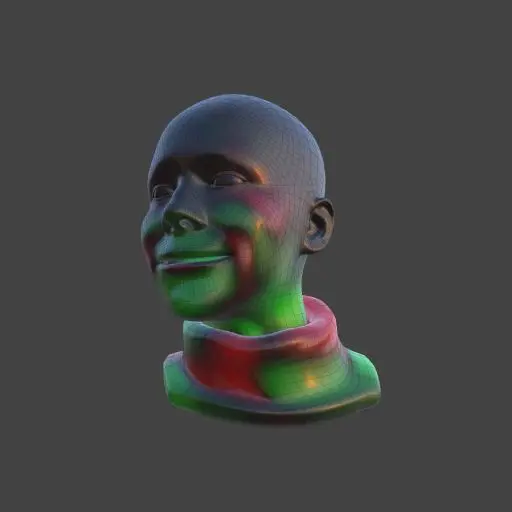 Tension Weights by OtherRealms
otrealms.gumroad.com
free
-
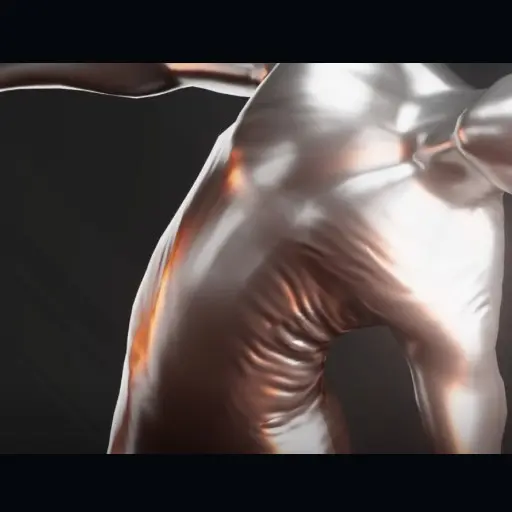 Wrinkle Tension Shader
bbbn19.gumroad.com
free
-
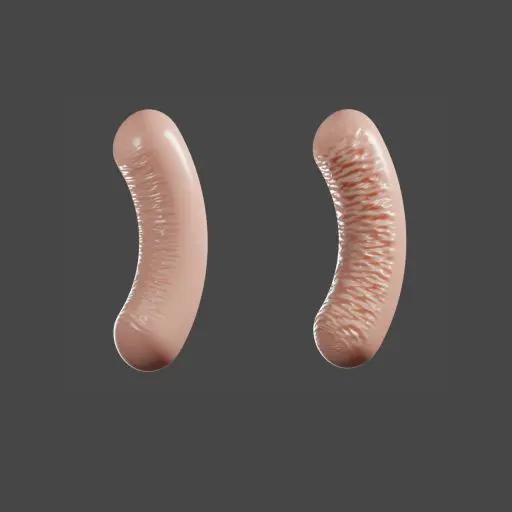 Blender Mesh Tension Add-On
github.com
free
-
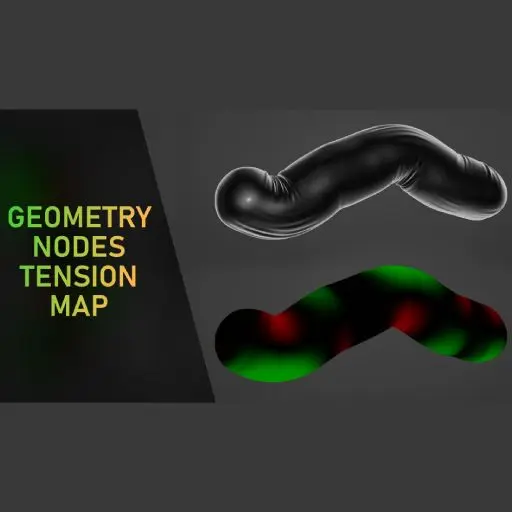 Blender Geometry Nodes Mesh Tension Map Example by Higgsas
higgsas.gumroad.com
free
-
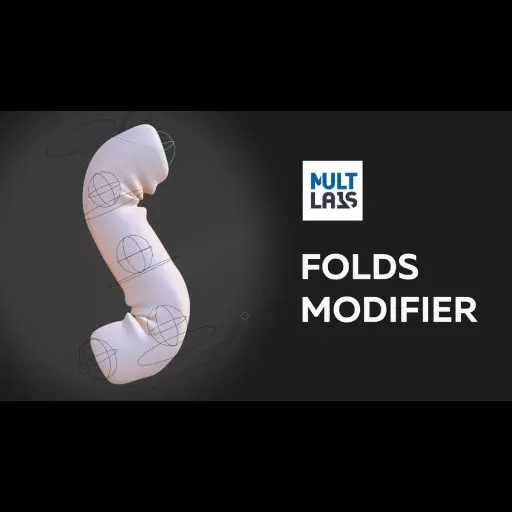 Folds Modifier - Tension Map For Blender
superhivemarket.com
paid
No items match these filters.