

BoneDynamics (Free/Pro)
Get BoneDynamics (Free/Pro)- Categories
- Bone Dynamics (Wiggle & Jiggle Bones)
- Listed
- · updated
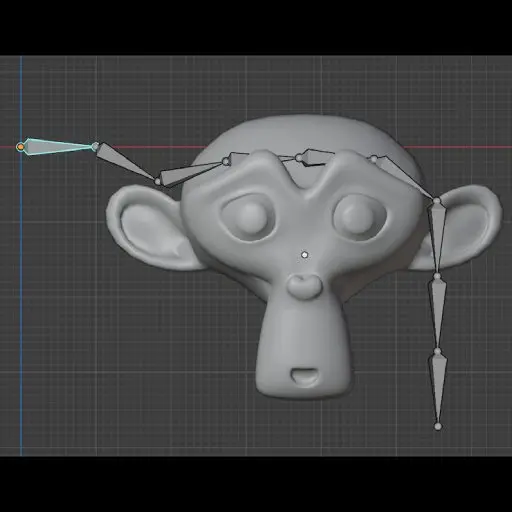
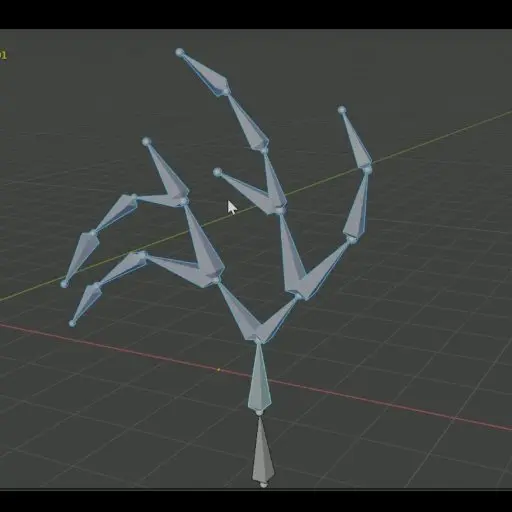
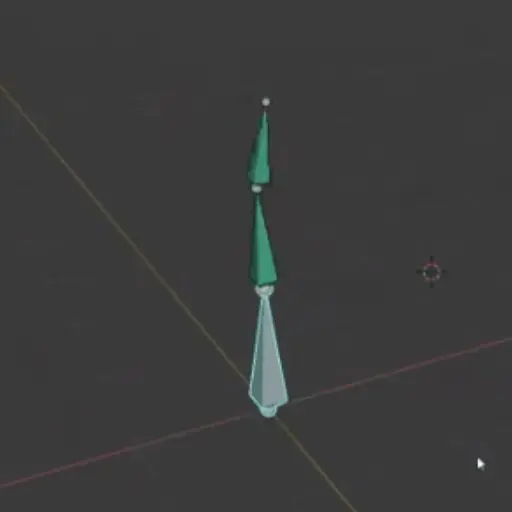
BoneDynamics is one of the most reliable tools in the Wiggle Bones category. BoneDynamics offers a fully functioning free version. A Pro version with additional functionality is also available. The addon also enables easy setup of collisions between bones and meshes.
Free VS Pro
Here is a quick comparison between the Free and Pro features:
- easy setup (Free & Pro).
- dynamic rotation and stretching of bones (Free & Pro).
- collision on the entire bone (Free & Pro).
- Tweak one or multiple bones physics parameters at once (Pro only).
- Ability to make a bone chain. (Pro only).
- Enhanced baking system (Pro only).
- Dynamic Parenting (Pro only) - allows unparented bones to be linked to a specific bone only for the dynamic effect.
- Displacement (Pro only) - allows a bone to move dynamically in addition to rotation and stretching.
So: if you are working on a small number of jiggle bones, the free version is more than enough. However, if you are rigging characters with many dynamic bones, the Pro version offers a more efficient workflow.
Downloads
Pro version available on Super Hive and Gumroad.
BoneDynamics (Free/Pro)BoneDynamics (Free/Pro) is a tool with free and paid options listed under Bone Dynamics (Wiggle & Jiggle Bones) (Rigging) in CGDive’s Blender Addon Directory. It is available from superhivemarket.com. Reviewed by CGDive.superhivemarket.com BoneDynamics Pro : Bone physics for blenderBoneDynamics Pro is a blender addon that allows you to make bones react to physics. Features: Tweak one or multiple bones physics parameters on the fly...Gumroad
Free version available on Gumroad only.]
Note: while the link still works, the ability to purchase it seems to have been disabled. Please ask the developer about details!
BoneDynamics Free : Bone physics for blenderBoneDynamics Lite is a free blender addon that allows you to add physics to bones. You can check out the pro version using this link ...Gumroad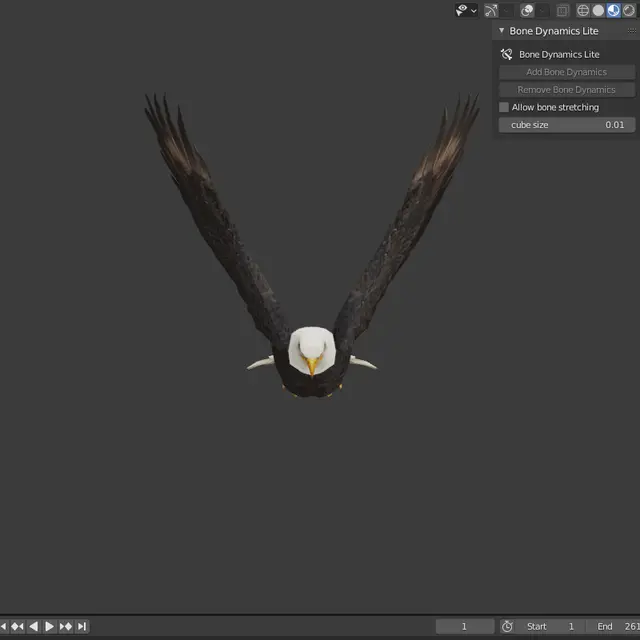
Working with BoneDynamics Pro
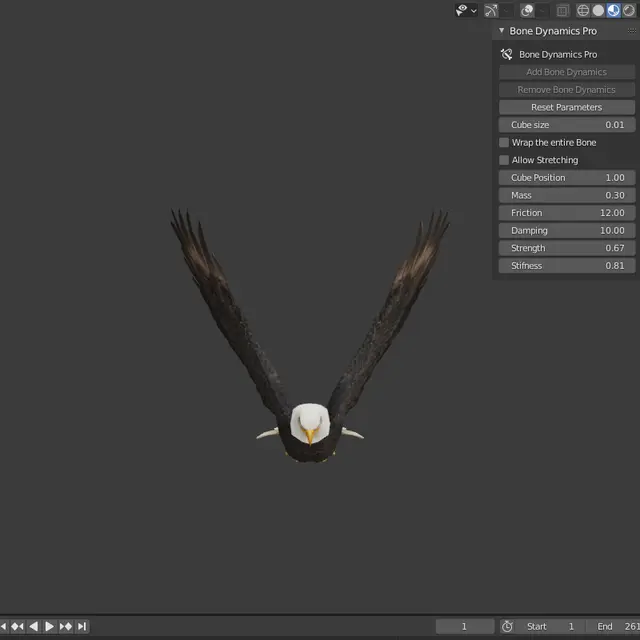
After installing the addon, it will appear in the 3D View under N-Panel > BoneDynamics Pro.
Basic Workflow:
- Select the bones you want to make “dynamic”, and press the Add Bone Dynamics button. (in the free version you may have to do that for each bone individually whereas in Pro, the whole selection will be set up with one click).
- The dynamic bones need to have a parent that is not dynamic. Animate the parent or any other bone above it in the bone hierarchy.
- Play the animation and you will see the wiggle effect.
- you can change the behavior of the dynamic bones by tweaking their settings such as Mass, Stiffness, Damping etc. The Pro version offers quick presets such as “Stiff”, “Organic”, “Hair” and more.
You’ll find detailed instructions and examples in the video linked below.
Review and Workflow demo by CGDive

BoneDynamics Pro Version 2.0
BoneDynamics Pro was recently updated to Version 2.0, which brings various improvements and optimizations. This is an overview of the new version by the addon developer.

Tutorial Playlist by the addon developer

More tools in Bone Dynamics (Wiggle & Jiggle Bones)
No items match these filters.