
AutoRemesher (external app)
- Categories
- Retopology & Remesh
- Type
- Automatic Retopology & Remesh
- Listed
- · updated
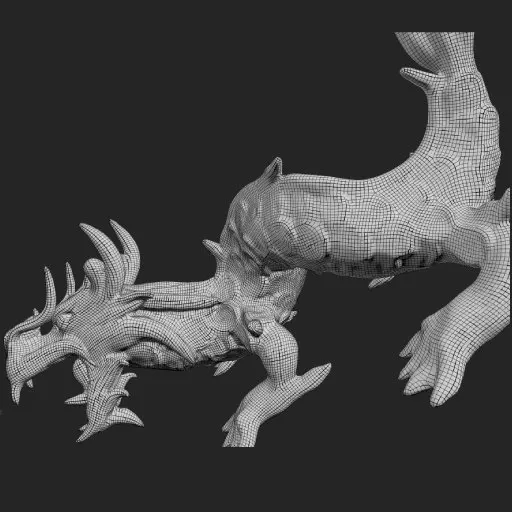
AutoRemesher is a very simple stand-alone app for remeshing (or auto-retopology).
QuickStart Guide
Just download the latest release for your OS, and start it.
The UI in the upper right corner contain everything you can do with AutoRemesher.

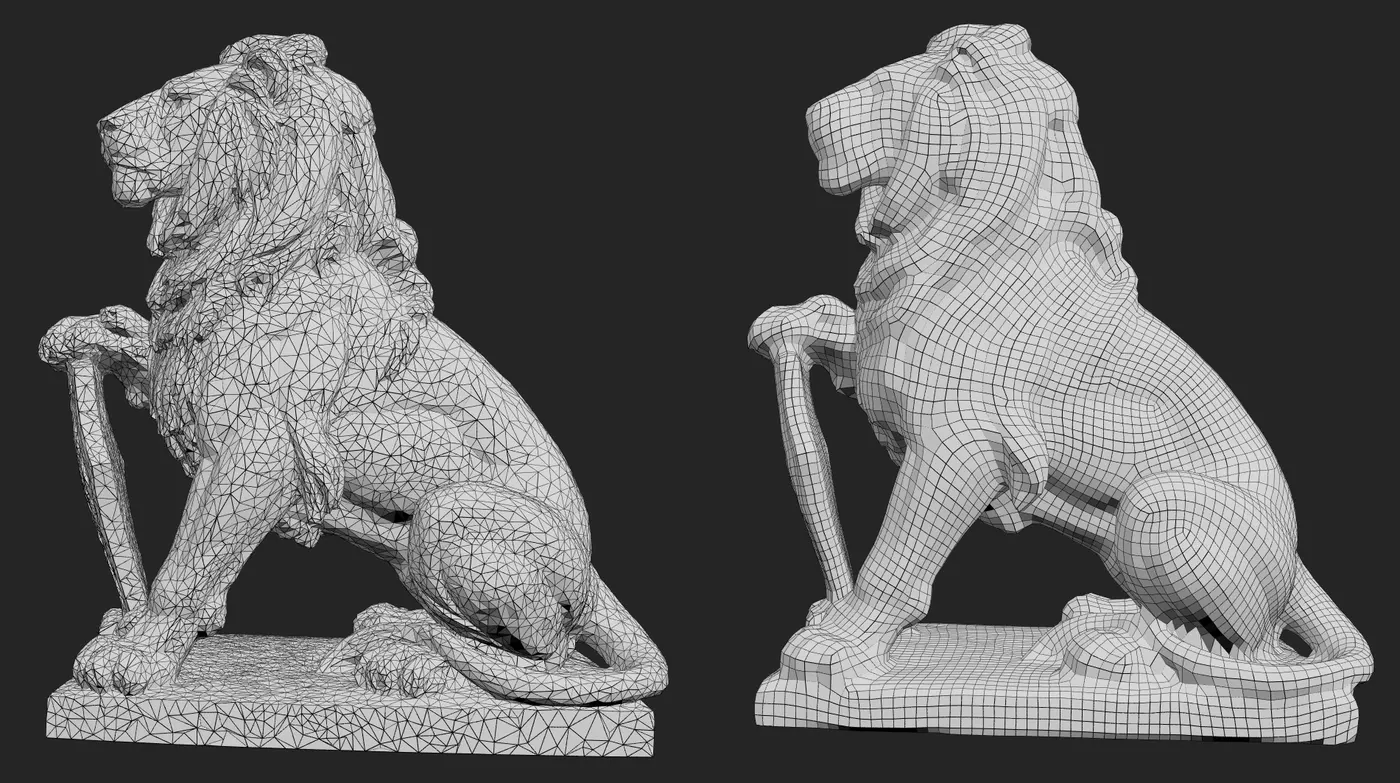
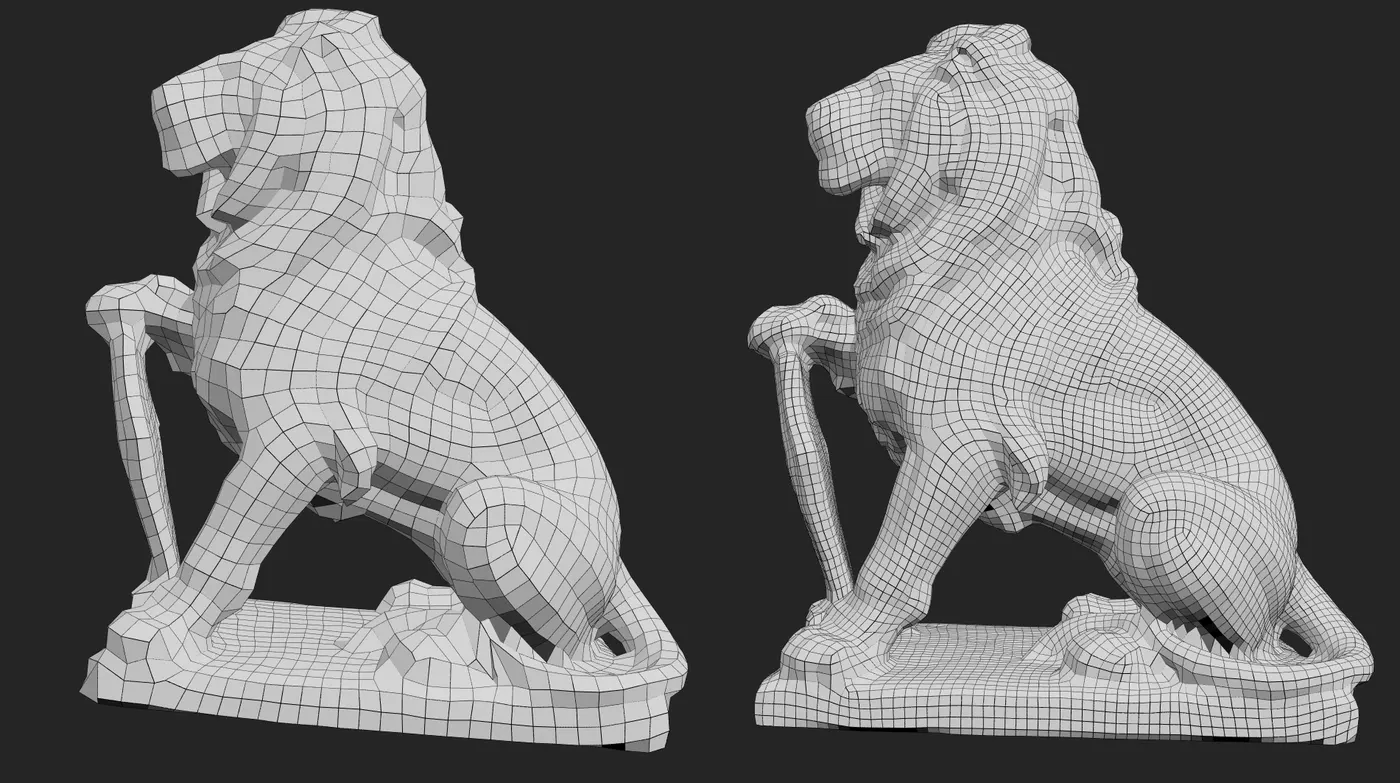
Edge Scaling and Density both control the density of the remesh. Personally, I keep Density to 0 and just choose between Edge Scaling of 1 through 4 (1 means highest density and 4 is lowest).
The Folder icon allows you to open a 3D file for remeshing. Only OBJ is supported. Once you open the file, AutoRemesher will start to process it right away.
When the process is done, you will see your remeshed object in the app. A “diskette” icon will appear which allows you to save your remeshed object as OBJ for use in Blender or any other 3D application .
CGDive’s Opinion
Overall, this is my favorite free tool for remeshing organic shapes. I really like the edge flow it creates.
For hard-surface shapes, I recommend the free QRemeshify.
If paying for a better results is an option for you, also consider the power-house paid addon Quad Remesher. It can handle both hard-surface and organic shapes..
Video review by CGDive

More tools in Retopology & Remesh
No items match these filters.